Don't buy without reading this! Project AVA (Razer AVA) Minimum Requirements for PC
Are you thinking of hitting "pre-order"? Hold on a second. The truth is that Project AVA (Razer AVA) is not a simple ornament; it is a high-performance peripheral that demands a lot from your computer. If your PC is more than 5 years old, you could end up with a very expensive paperweight.
For Project AVA (Razer AVA) to work with total fluidity, it is not enough to just plug it in. You need to meet a series of technical specifications that Razer has just confirmed after CES 2026.
What does your PC need to "move" AVA?

What no one tells you is that the famous "PC Vision Mode" (where the AI analyzes your screen) consumes resources from your graphics card. Here is the official list so you don't fail:
Minimum (Chat Only)
- Windows 10 64-bit
- Intel Core i3-6100 / AMD Ryzen 3 1200
- 8 GB RAM DDR4
- Basic dedicated GPU (2GB VRAM)
Complete Experience
- Windows 11 64-bit
- Intel Core i5-10400 / Ryzen 5 3600
- 16 GB RAM (Vital for simultaneous gaming)
- GTX 1060 / RX 580 or higher
The USB-C port: The big headache
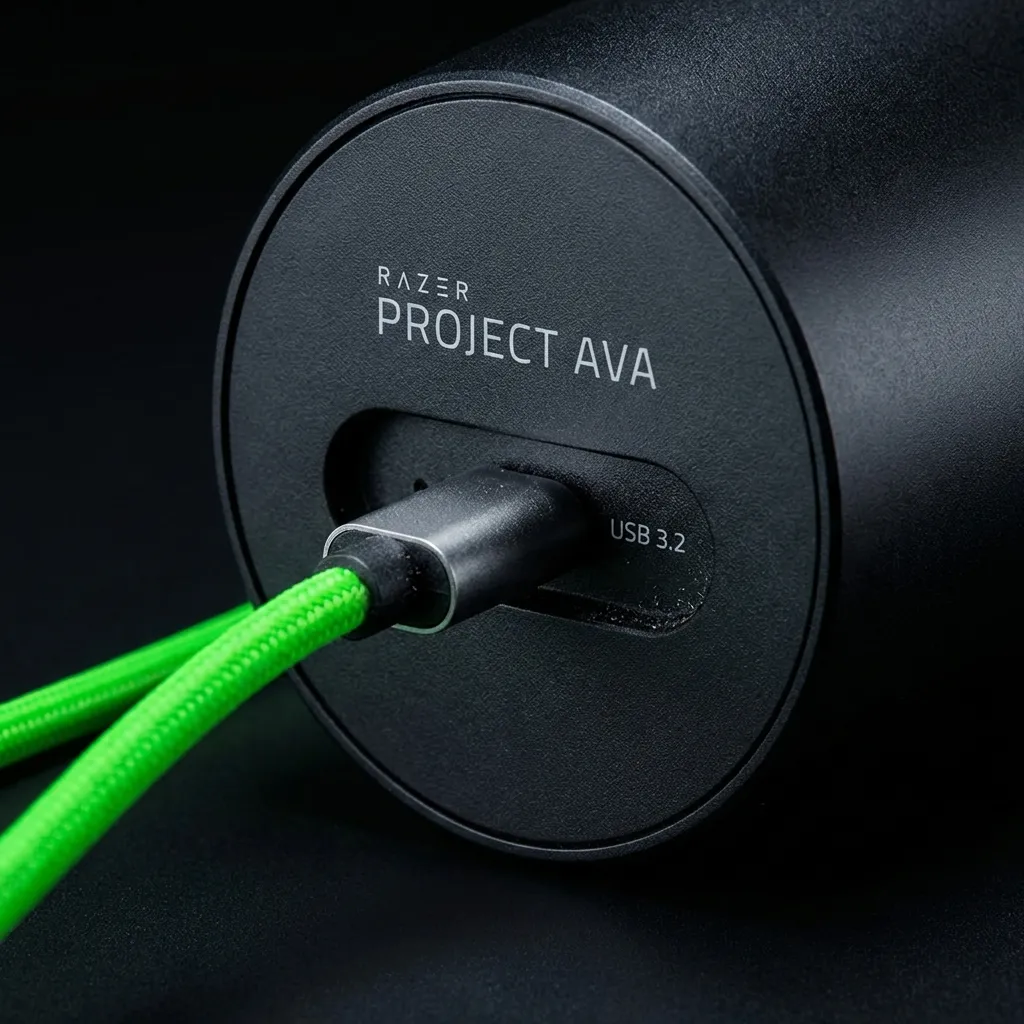
Be very careful here: not all USB-C ports are equal. The truth is that if your port is not USB 3.2 or higher, AVA will not have enough bandwidth to send you game tips in real time.
What if my PC doesn't meet the minimums?
Project AVA (Razer AVA) doesn't "brick" if your rig falls short, but it quietly degrades the experience: PC Vision Mode disables itself below 2GB of dedicated VRAM, and without it your avatar stops seeing what's on screen and falls back to voice-only replies, like any regular smart speaker.
The most common case is an office laptop with integrated graphics (Intel Iris Xe, for example). AVA will still boot, but without a dedicated GPU the hologram renders at a lower framerate and real-time responses during matches lag by several seconds — the exact opposite of what you want if you bought the thing for an eSports coach.
If you have an aging desktop, the cheapest fix is usually a used GTX 1060 or RX 580, typically found for $90-120 on the secondhand market — right at the bar Razer sets for the "Complete Experience."
How to check your specs in under 2 minutes
You don't need to open the case to know if you qualify. On Windows, press Win + R, type dxdiag and hit Enter: the "Display" tab shows your GPU model and available VRAM. For RAM, open Task Manager (Ctrl + Shift + Esc) and check the "Performance" tab.
Compare those three numbers — GPU, VRAM and RAM — against the table above. If your CPU is older than an Intel i3-6100 or a Ryzen 3 1200, you won't even clear the minimum tier: that's by far the most common complaint in Razer's own support forums about "compatibility."
Quick FAQ
Can I run it on a laptop? Yes, but only if it has a discrete GPU (a MUX switch model, ideally) — a laptop running on integrated graphics alone will fail the PC Vision Mode check even if the CPU and RAM are fine.
Do I really need Windows 11? Only for the "Complete Experience" tier. Windows 10 64-bit still works for the chat-only minimum, though Razer has not said how long it will keep supporting it after launch.
Opinion: Is it too demanding?
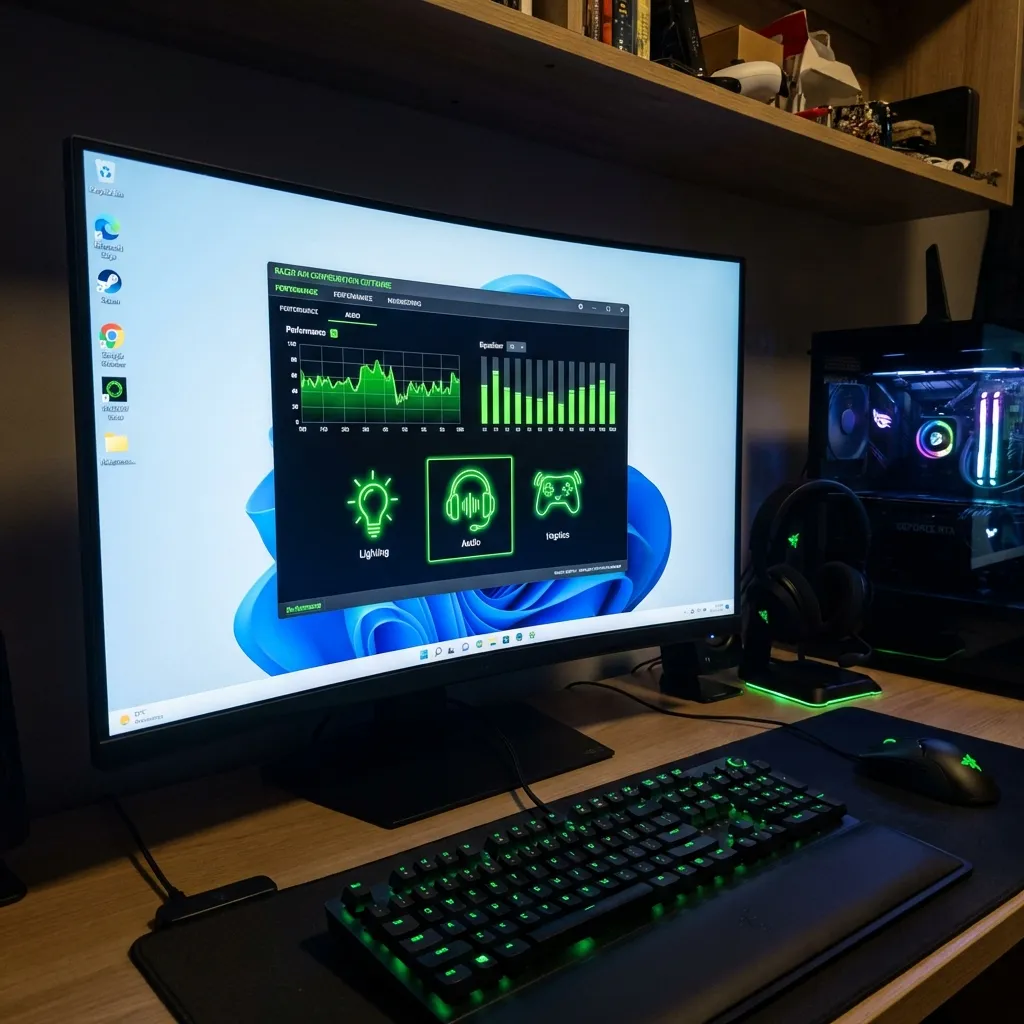
Honestly, asking for a GTX 1060 just for an assistant seems like a lot, but remember that AVA is processing video from your screen constantly. What no one tells you is that if you try to use it on a basic office laptop, the fan is going to sound like a plane taking off.
There's an uncomfortable read behind this list: AVA's minimum requirements are, in practice, the requirements of a five-year-old gaming PC. Razer knows this, and it's no coincidence that the "Complete Experience" tier lines up almost exactly with its own Blade laptop range. If you already own a decent gaming rig you won't notice the extra cost; if your machine is an office box you've been meaning to replace, AVA becomes the perfect excuse to finally do it — which is exactly the play you'd expect from a hardware maker.
Is it worth updating the PC for it? If you are an eSports fan and want the Faker coach, yes. If you just want a pretty clock, perhaps the requirements will put you off — and if so, you're probably not the audience Razer is aiming for with this product.